Files + workspaces
Projects, downloads, shared content and local files remain visible, browsable and under normal desktop control.
The familiar computer model remains. Windows, files, browsers, terminals and apps stay at the center, while intelligence, memory, permissions and automation become operating-system capabilities.
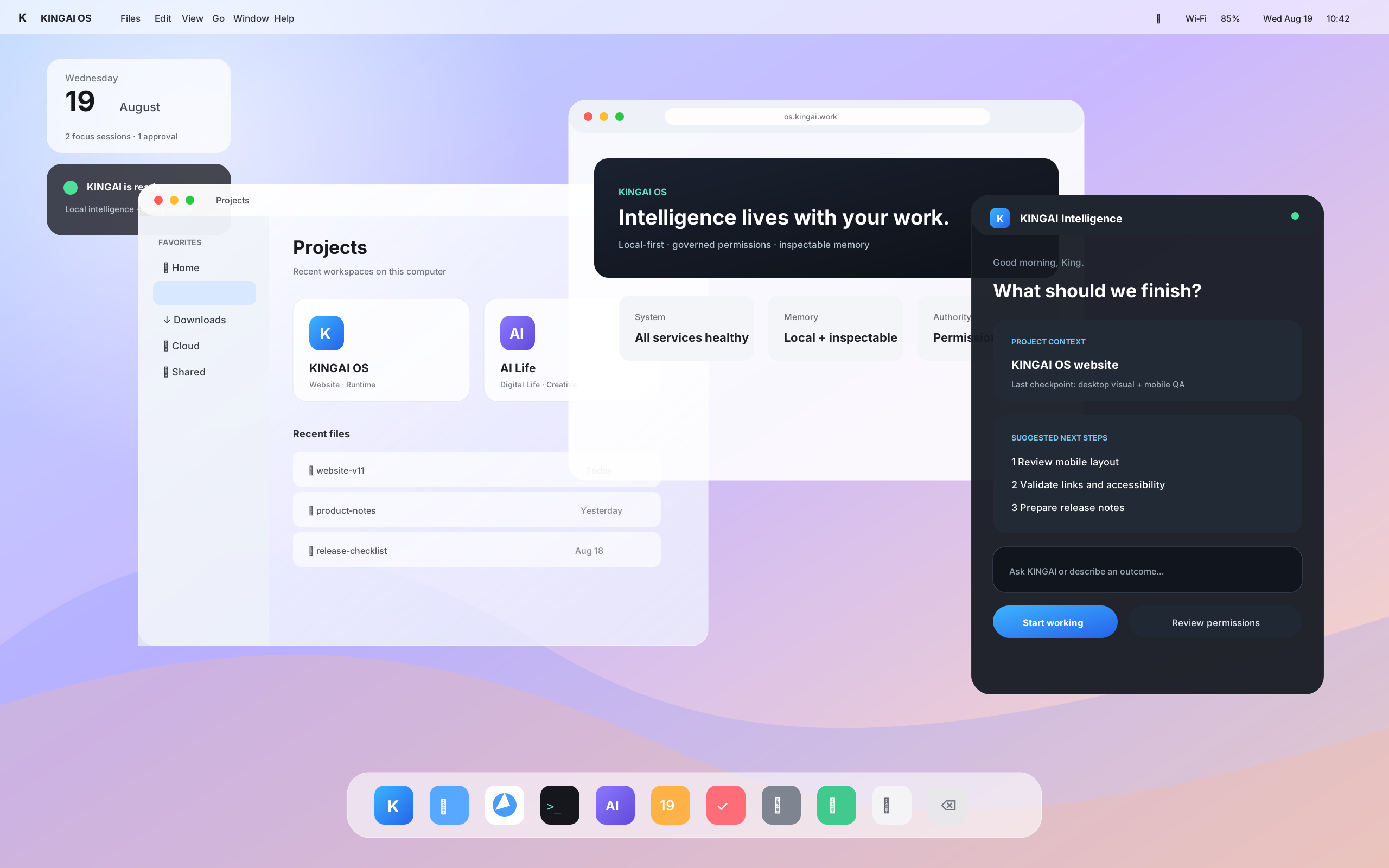
KINGAI OS does not replace everyday computing with a giant chat window. Open files, arrange windows, browse, develop, create and use applications as usual. KINGAI Intelligence can appear beside that work when useful.
Projects, downloads, shared content and local files remain visible, browsable and under normal desktop control.
Browsers, development tools and Linux workflows remain part of the system instead of being hidden behind an assistant.
Ask for an outcome, continue project context and review proposed actions without leaving the desktop.
Higher-impact changes can wait for approval instead of inheriting unrestricted authority.
The direction is a system assistant that can use approved file and project context, prepare steps, remember inspectable context and surface what needs your decision.
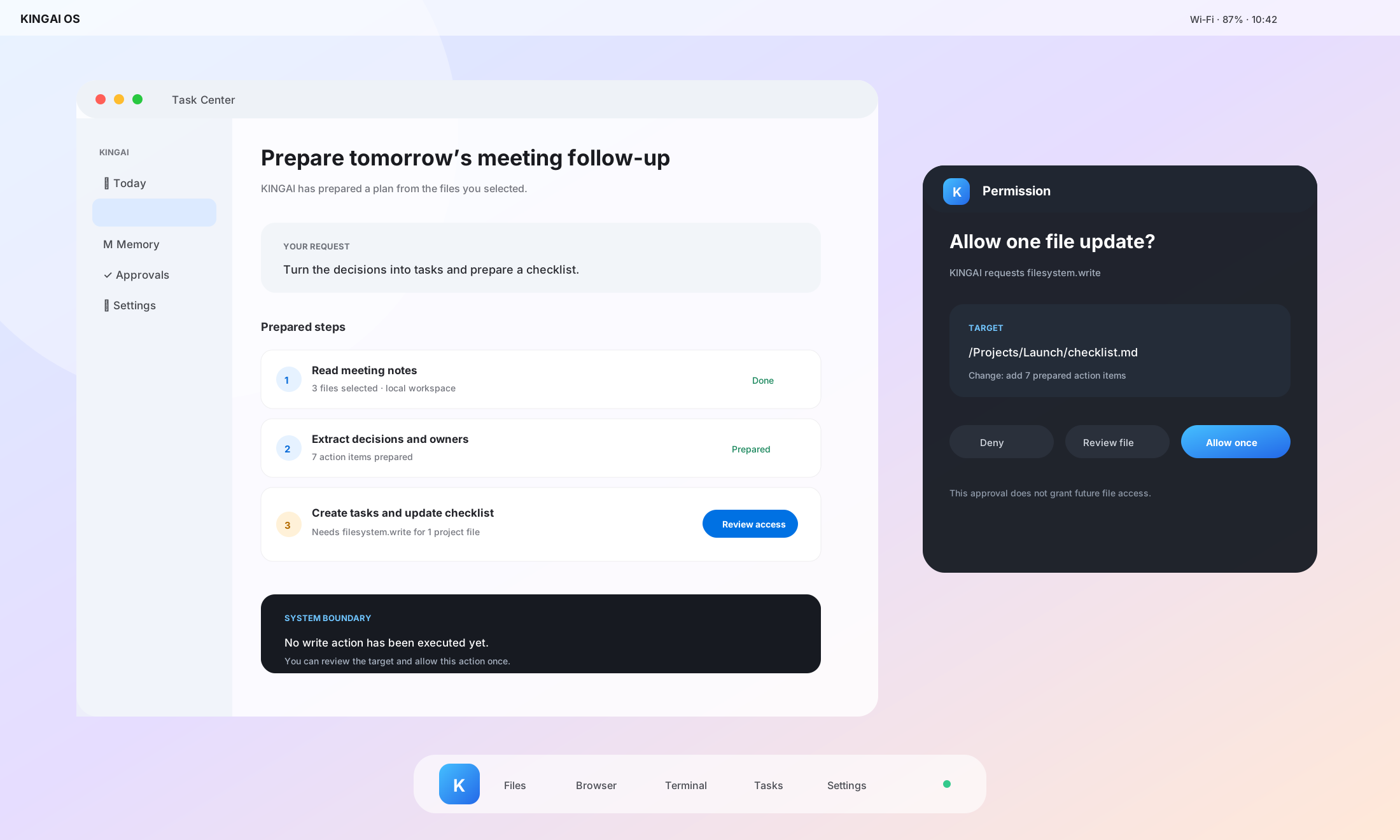
KINGAI OS is building identity, capability policy, approvals and audit around agent actions. When a task needs sensitive access, the system can make the boundary visible before applying the change.
Developers keep Linux tooling while KINGAI adds governed runtime foundations for tasks, memory, models, policy, approvals and audit. Current interfaces are pre-alpha and continue to evolve.
kingai status --json
kingai doctor --json
kingai policy check filesystem.read
kingai approval list
Follow the Desktop as it moves from developer preview toward broader Early Access.