A real desktop
Windows, files, browsers, terminals, a dock and system settings remain the everyday starting point.
KINGAI OS is an AI-native Linux desktop operating system: familiar windows, files, browsers, terminals and apps, with KINGAI Intelligence, inspectable memory and governed permissions built into the system.
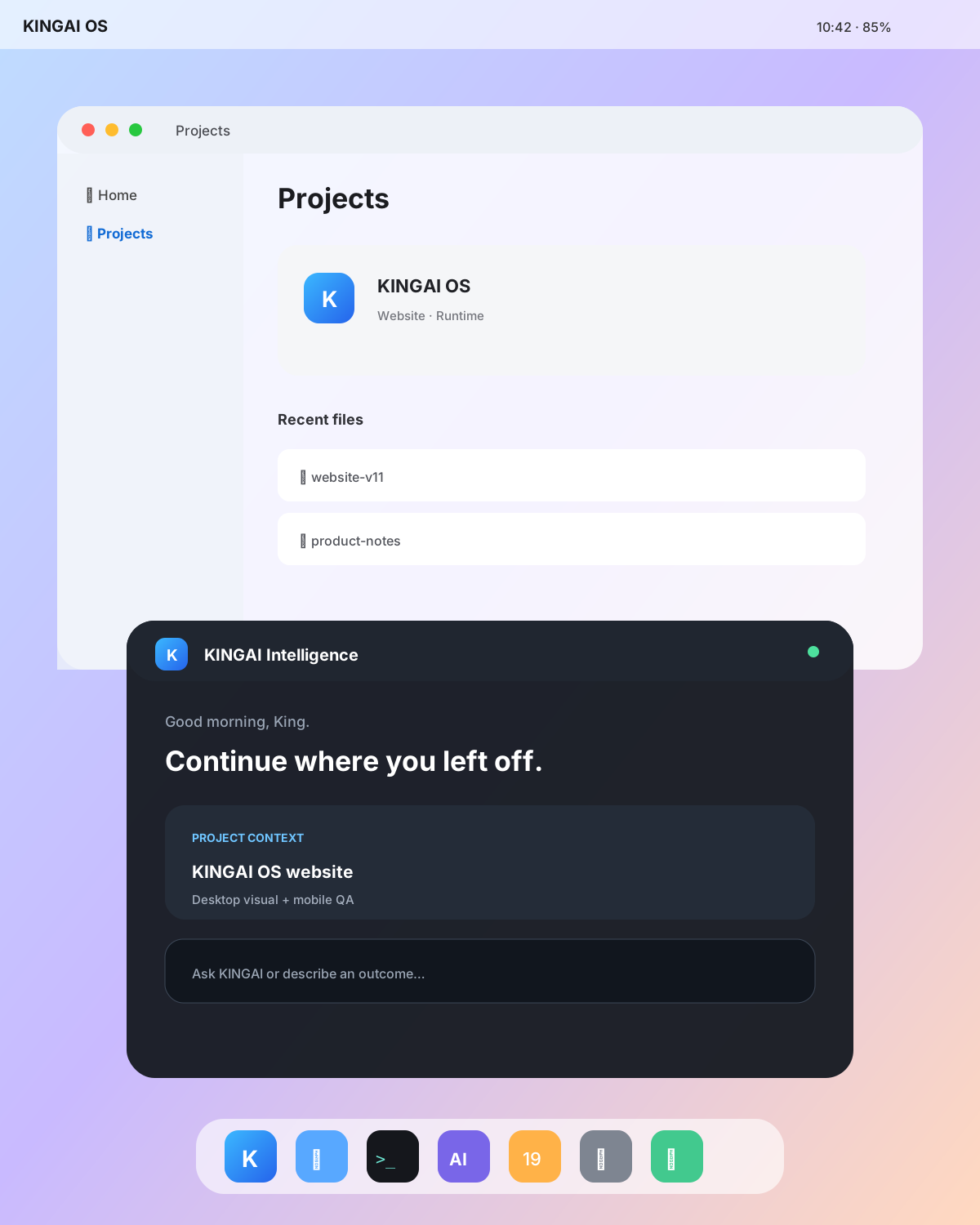
KINGAI OS keeps the computer model you already understand, then makes intelligence, memory, permissions and automation part of the operating system instead of another isolated chat tab.
Windows, files, browsers, terminals, a dock and system settings remain the everyday starting point.
KINGAI Intelligence lives beside your workspace, understands task context and helps move work forward.
Memory is not a hidden profile. Review it, scope it, remove it and decide when it can be used.
Higher-impact actions can require capability checks and explicit approval instead of blanket access.
Files, windows, browsers, terminals and apps stay familiar. AI should not replace the normal desktop model.
System intelligence can stay closer to files, projects, tasks and app context instead of starting from a blank chat every time.
An AI that can act also needs capabilities, approvals, audit and a clear way for you to revoke access.
The system assistant is designed to understand a goal, use approved context, prepare work and ask before higher-impact changes. The current runtime already separates tasks, policy, approval, memory and audit while fuller autonomous execution remains under development.

Open tomorrow’s meeting notes, turn decisions into tasks and prepare a checklist.
KINGAI OS does not turn the desktop into one giant chat box. Your windows, files, browser and developer tools remain the main workspace; KINGAI Intelligence appears beside the work when useful.
KINGAI Memory is designed to be inspectable, removable and scoped. Higher-impact operations can be gated by capability checks and one-time approval instead of silently giving an assistant unlimited system access.
The public OS project includes a real CLI and current runtime documentation. Interfaces remain pre-alpha, so examples below represent existing developer commands rather than future APIs presented as complete.
kingai status --json
kingai doctor --json
kingai policy check filesystem.read
kingai approval list
Desktop, Server, IoT/Edge and Container share identity, governance, task, memory, model and audit foundations while platform-specific delivery remains separate.
For developers, creators, workstations and local-model workflows.
Developer-preview artifacts and public source exist today, while the full consumer Desktop and several integrated AI experiences remain in active development. Check Download and Status for the exact current state.
No. It is an Early Access interface preview that communicates product direction. It will be replaced by verified product captures as the Desktop reaches broader testing.
No. The architecture is built around identity, capabilities, policy, approvals and audit so higher-impact actions can be constrained and revocable.
The system is designed so core intelligence can use local components and local data paths where available rather than requiring every workflow to depend on a single cloud model or vendor.
Join the early-access list for Desktop testing invitations and major release updates, or inspect the roadmap and verified status first.